Agentic AI for WordPress
Angie: AI built for WordPress sites
Generate full pages, custom WordPress assets and manage your entire site, all through the same chat interface. Describe it, and Angie executes it.
Descarga gratis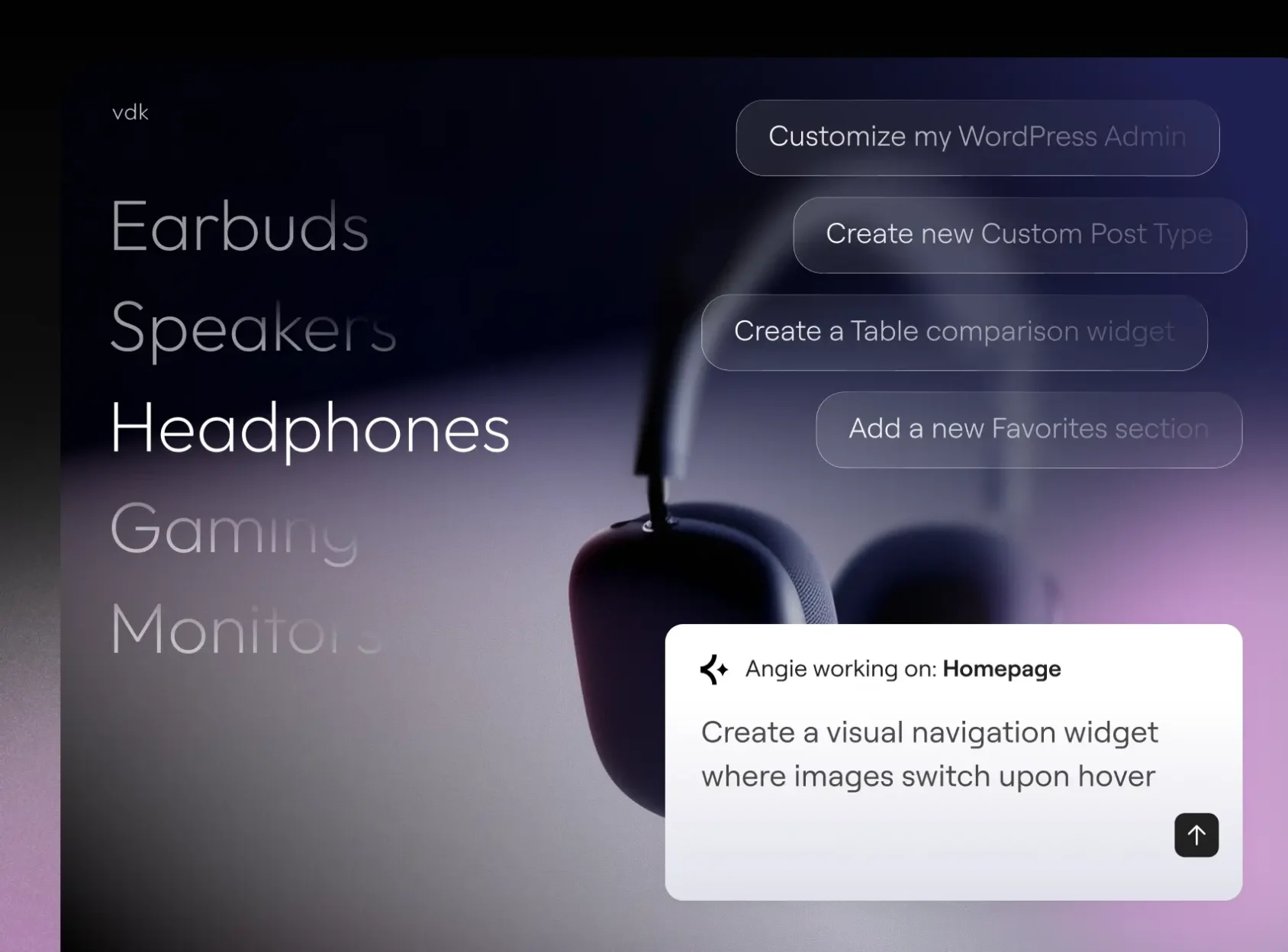
Crea con Angie Code
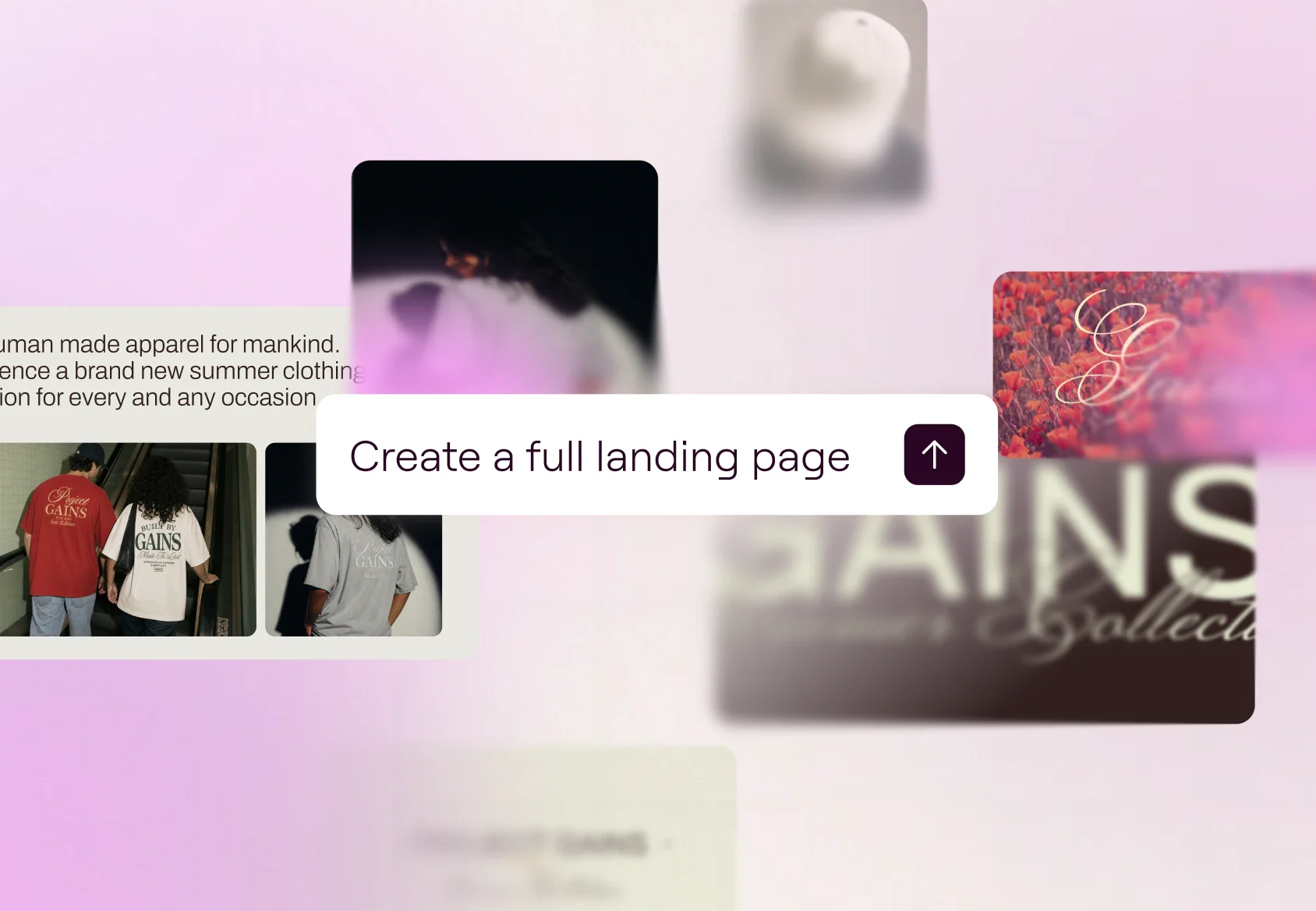
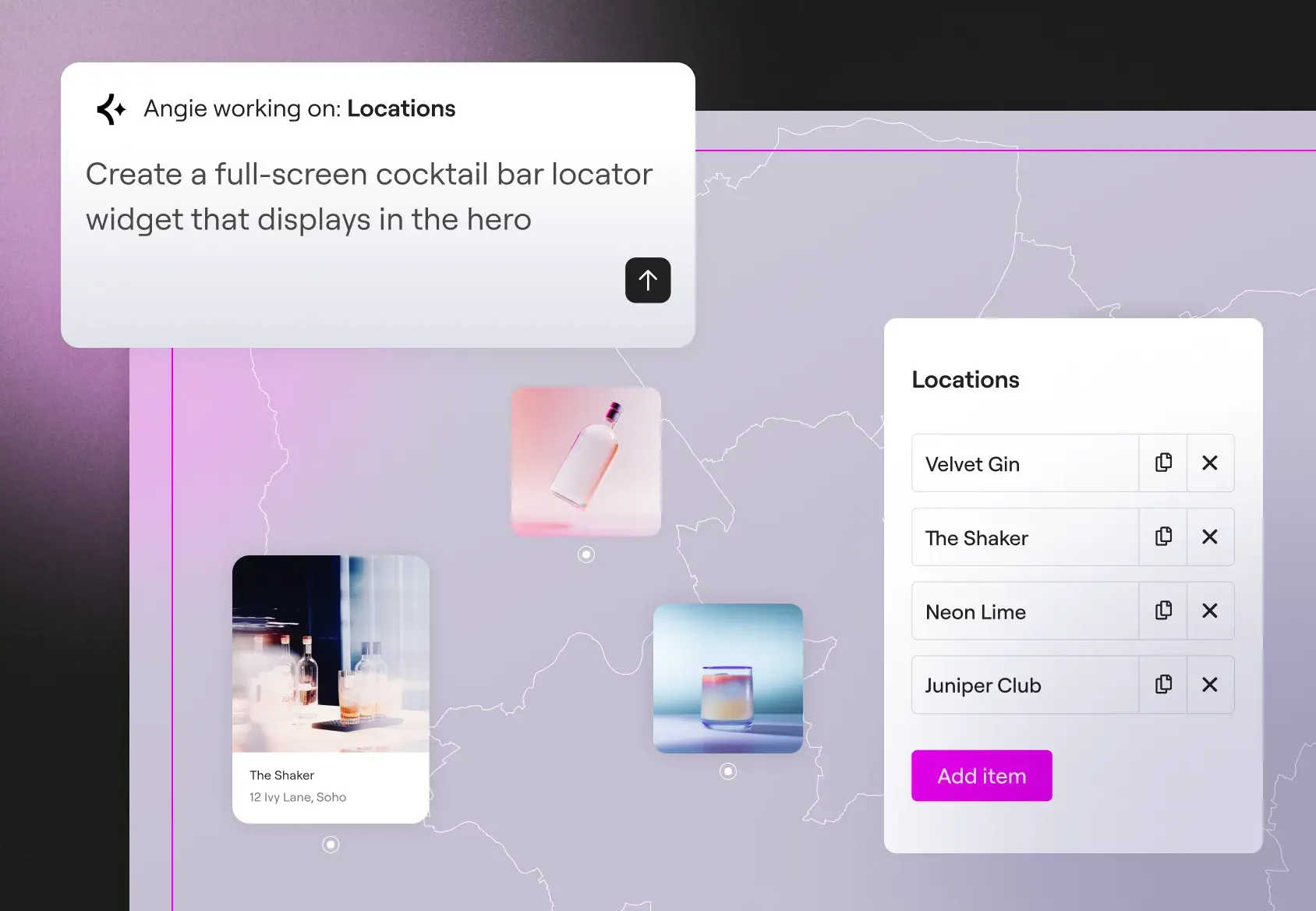
Create production-ready Elementor pages and widgets, WordPress snippets, visual apps, and custom post types.
Gestionar con el modo de superadministrador
Realiza operaciones masivas, depura errores y soluciona las deficiencias de SEO en toda tu web a través del chat. Angie analiza tus datos reales y confirma un plan antes de llevar a cabo cualquier acción.
Built for your site context
Angie hereda automáticamente los plugins instalados, la configuración del tema y la estructura del contenido. No es necesario configurar el contexto ni realizar ningún ajuste.
Your AI-powered expert WordPress developer
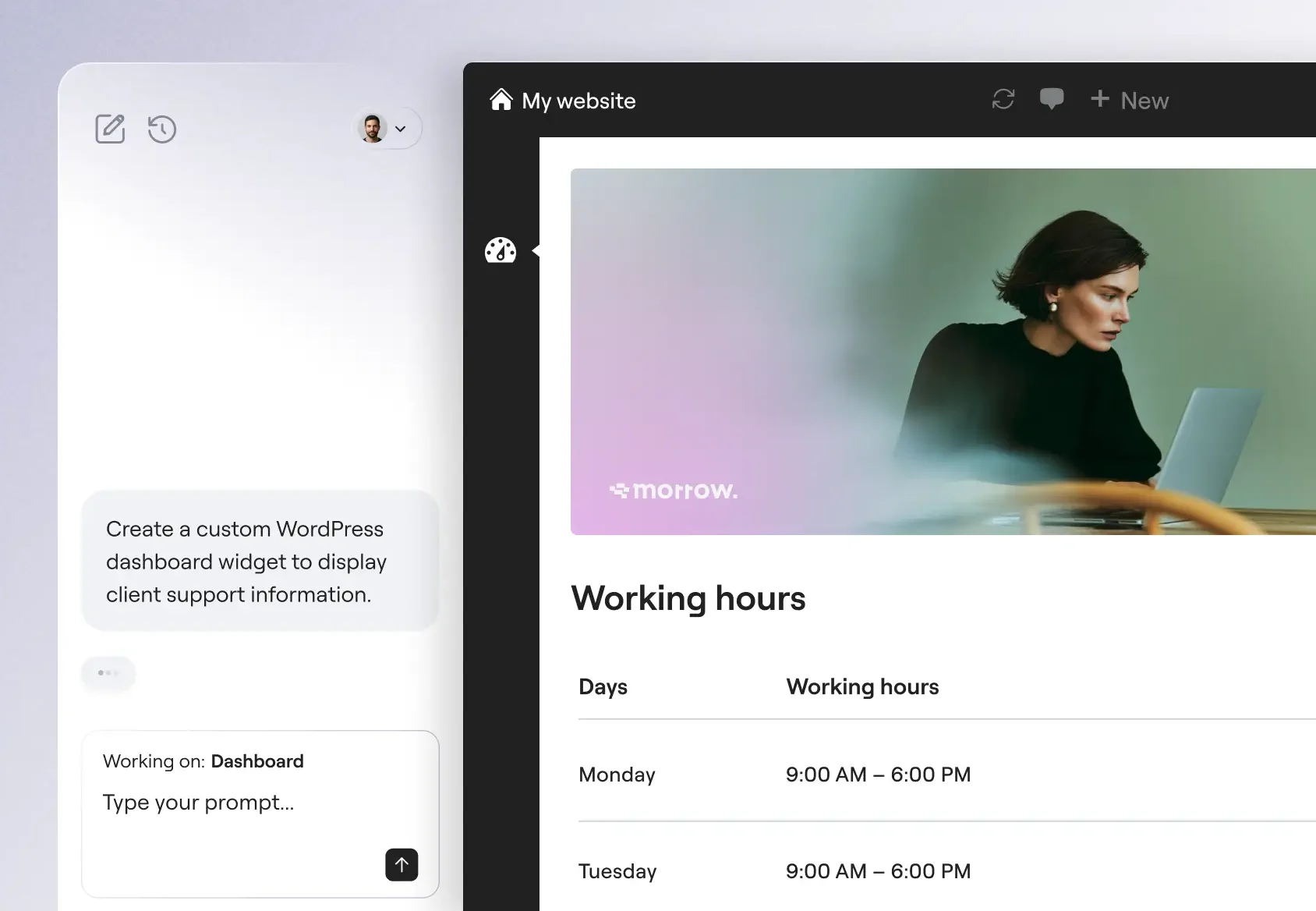
From custom widgets to visual WordPress apps, Angie Code delivers specialized categories of production-ready assets that integrate with your WordPress environment.
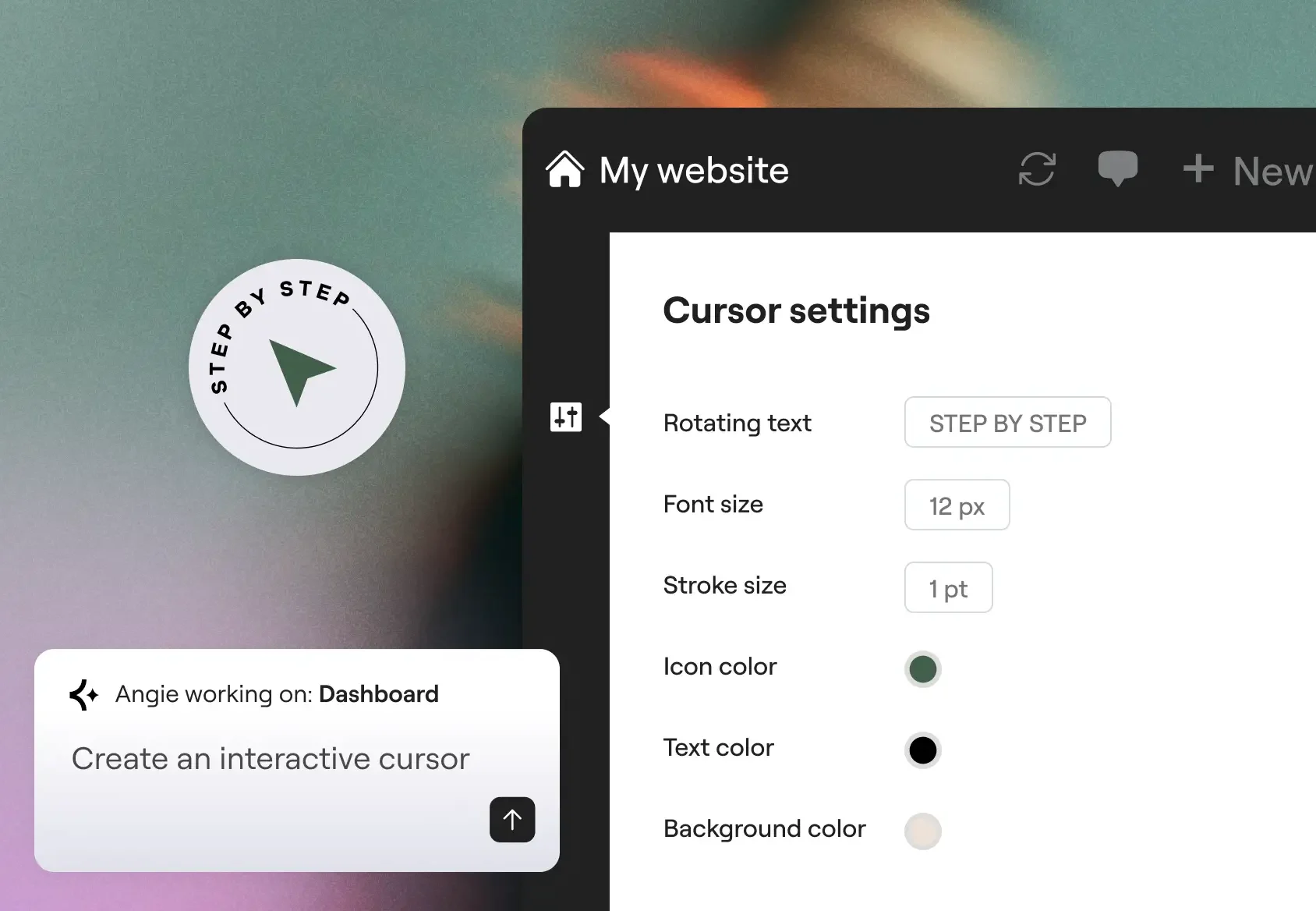
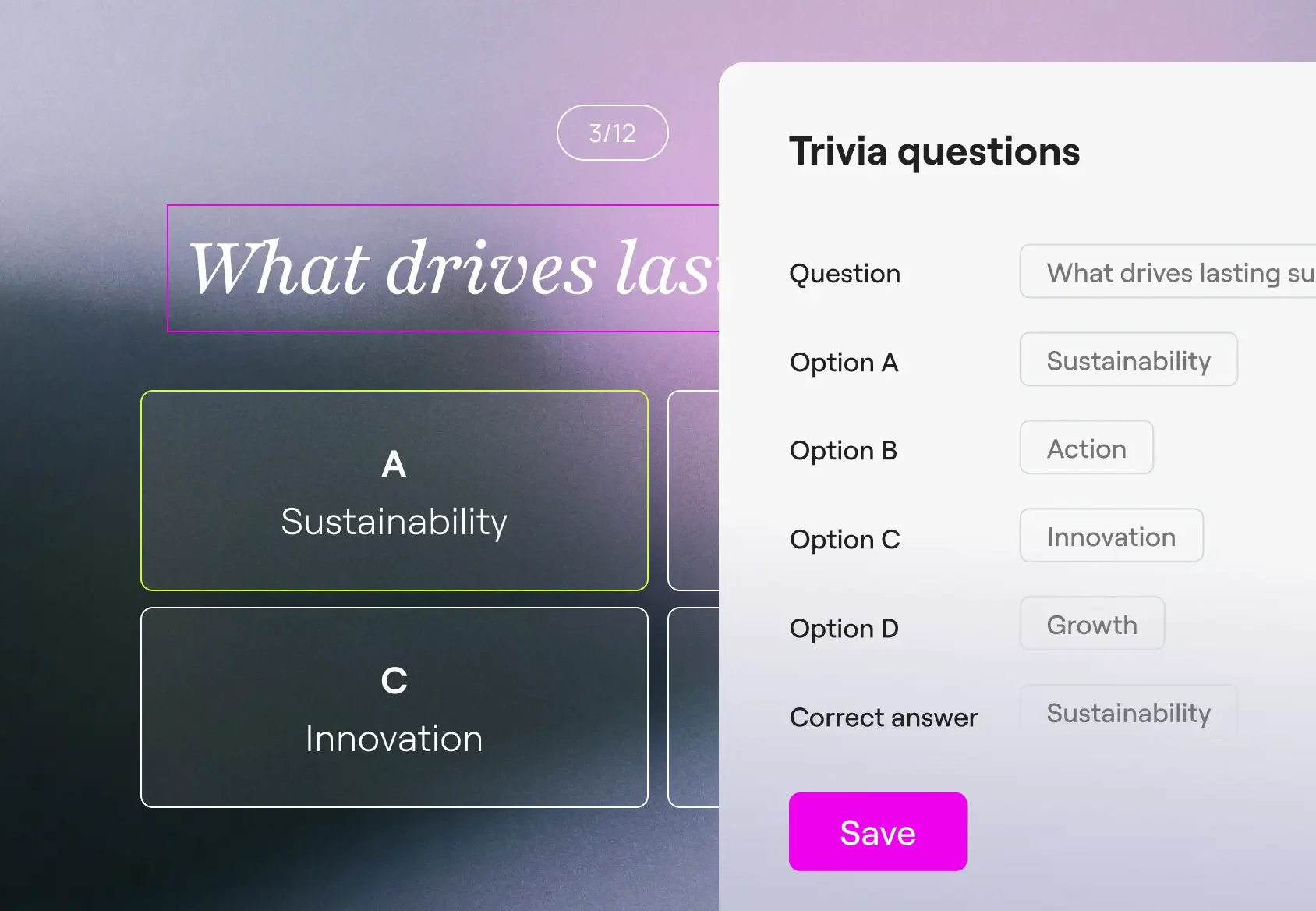
Built for confidence and scale
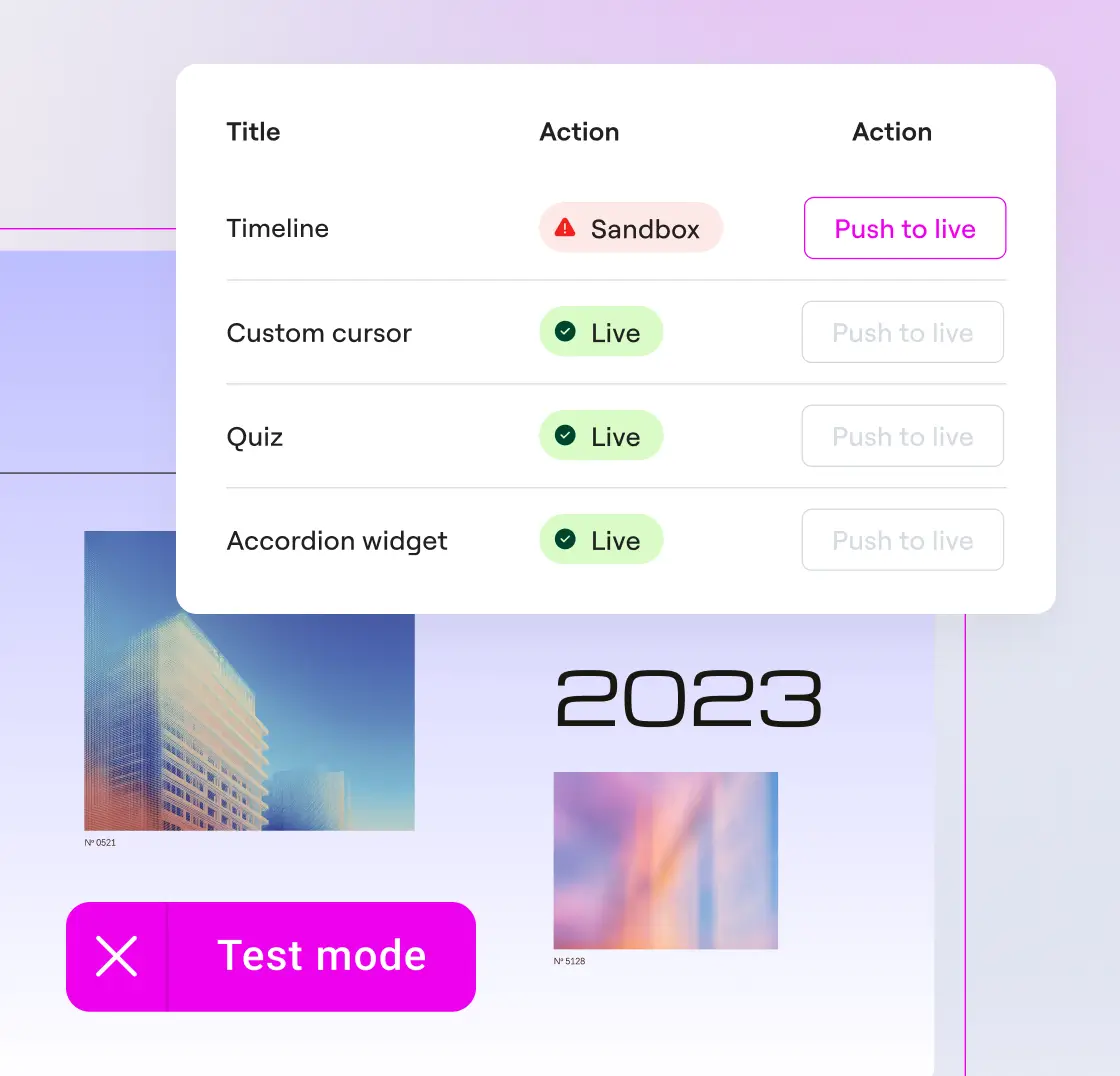
Build with a safety net
Preview widgets and snippets and iterate as many times as you need. Angie Code operates in a test environment, in complete isolation from your live site.
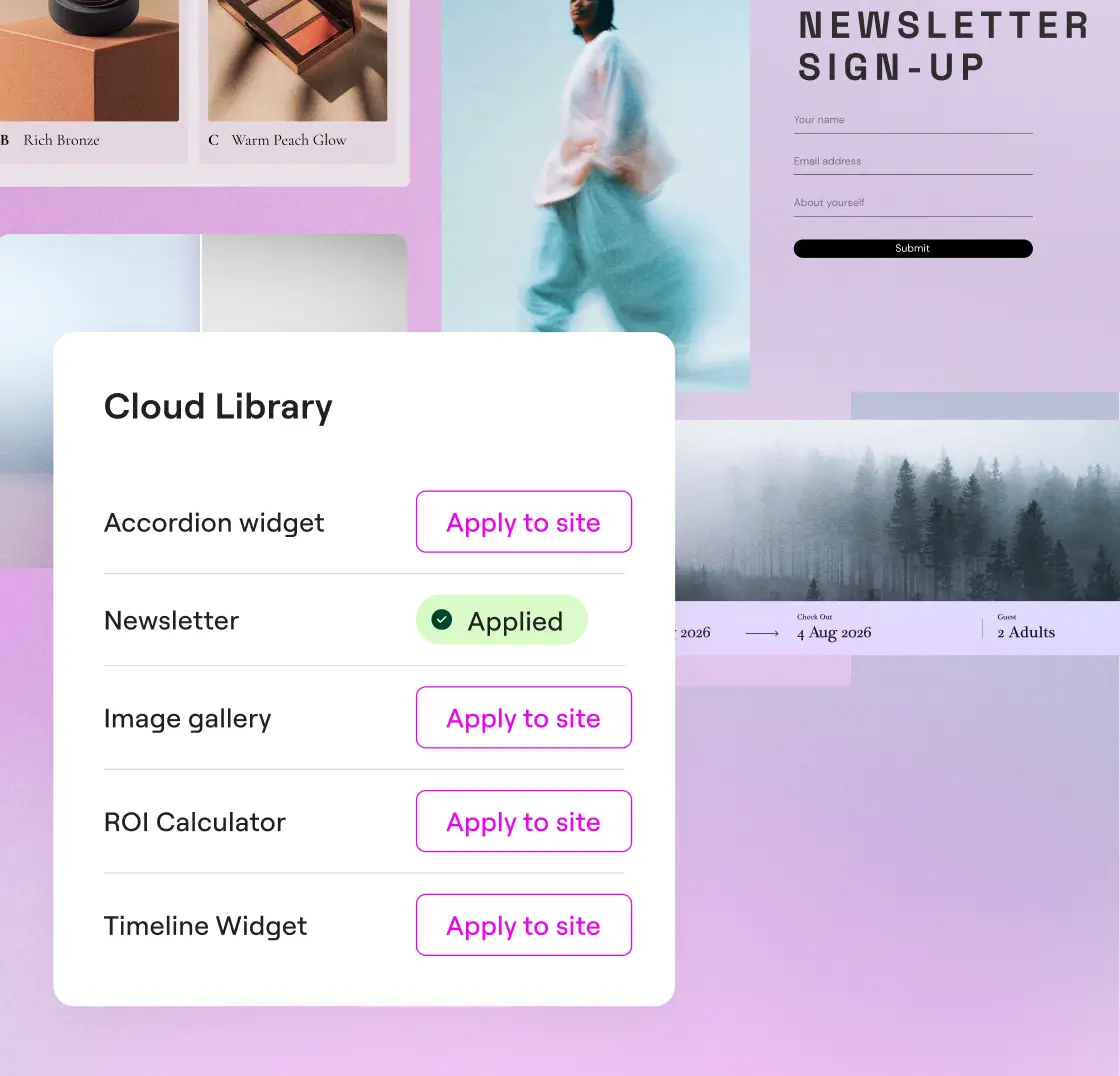
Reuse your creations across sites
Guarda tus creaciones en la biblioteca en la nube y reutilízalas en varios sitios de WordPress sin necesidad de volver a crearlas.
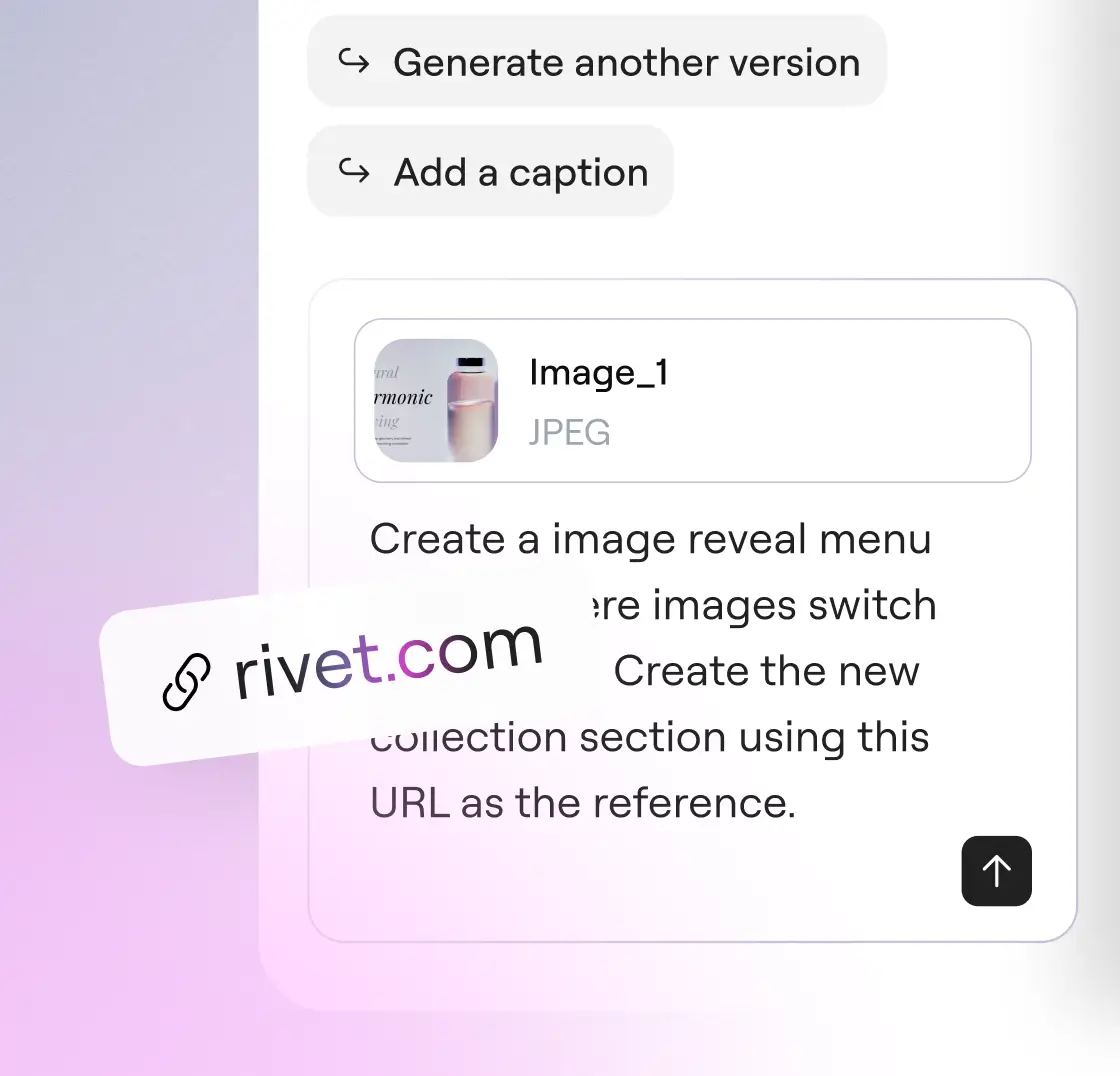
Habla con Angie como tú quieras
Describe lo que necesitas con palabras, sube una captura de pantalla o pega una URL como referencia. Los tres tipos de entrada pueden utilizarse juntos o por separado.
Con la confianza de agencias y creadores web
Modo Superadministrador de Angie: toma el control total de tu entorno de WordPress
Bulk operations, error debugging, and site-wide SEO fixes, all through conversation. Angie reads your actual data before acting and confirms every plan with you before anything runs.
* Angie can make mistakes, verify results
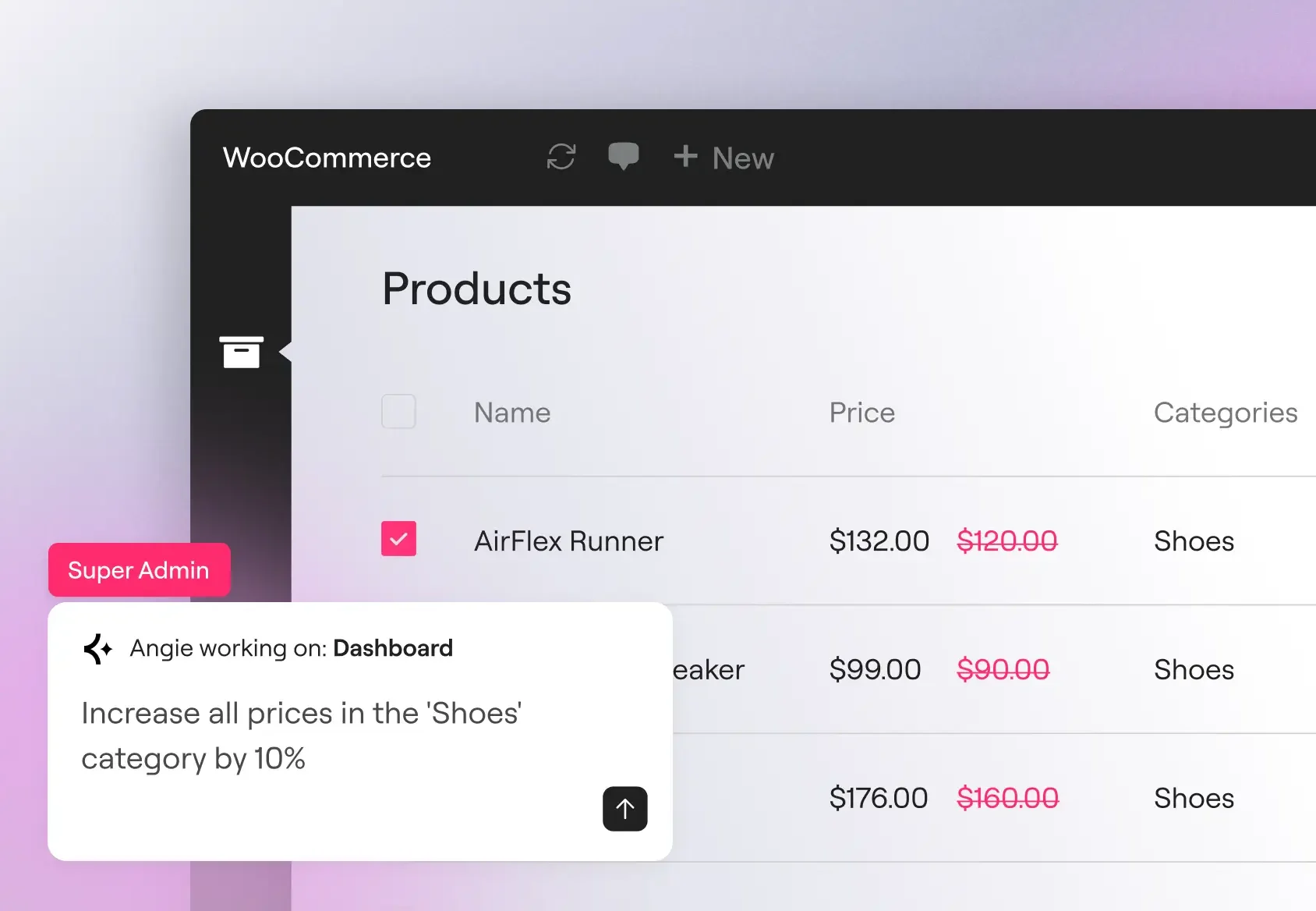
Operaciones masivas a gran escala
Actualiza los precios de los productos, los roles de usuario y los metadatos personalizados en cientos de registros con una sola orden. Angie analiza tu modelo de datos real antes de ejecutar la operación, por lo que esta se aplica a tus tipos de entrada, campos registrados y plugins activos reales.
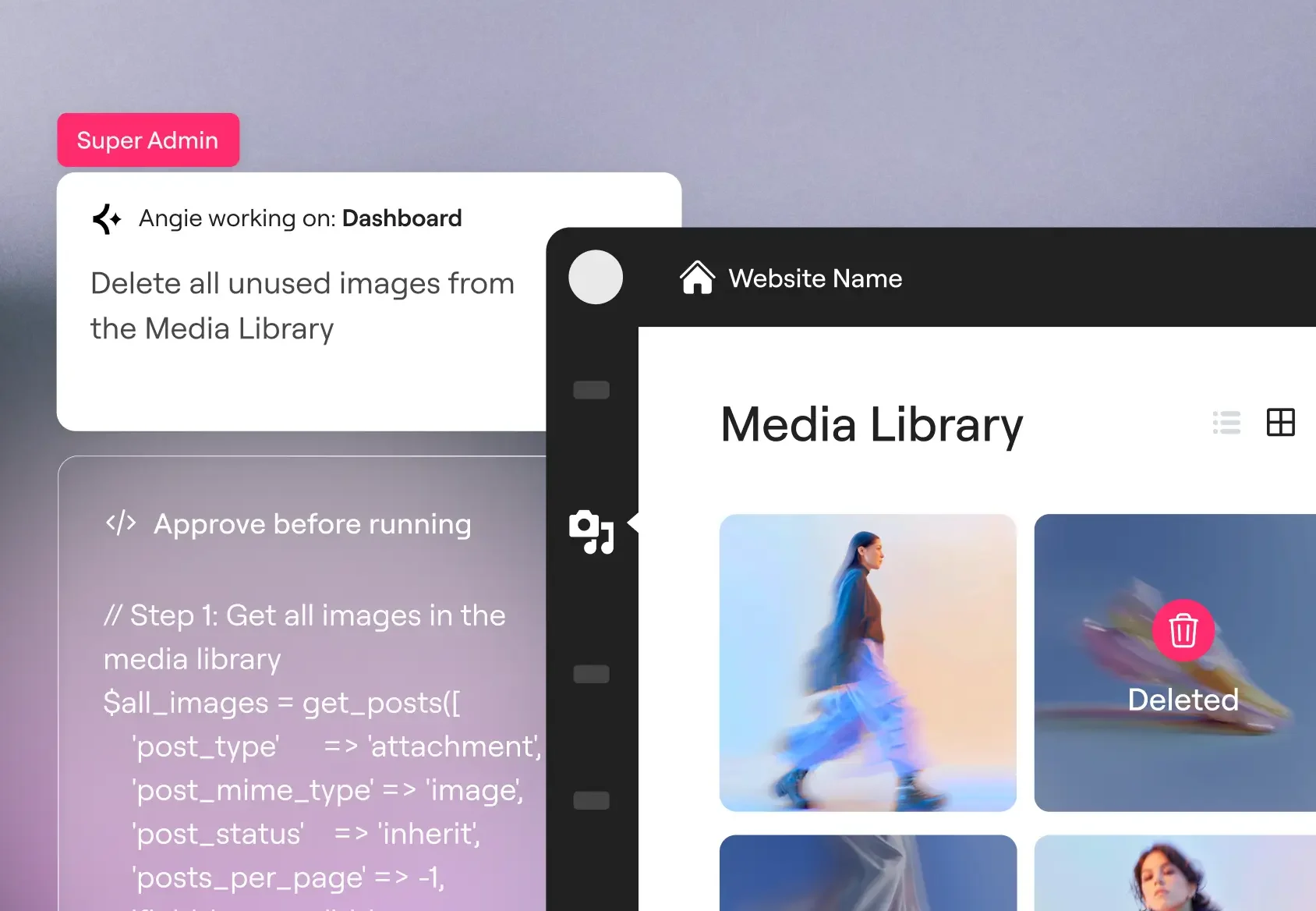
Errores de depuración
Detecta errores de SMTP, conflictos de PHP y problemas de conectividad de la API directamente en el chat de Angie. Angie analiza tu registro de depuración, identifica patrones recurrentes y puede desactivar los plugins conflictivos o modificar el hook correspondiente para resolver el problema.
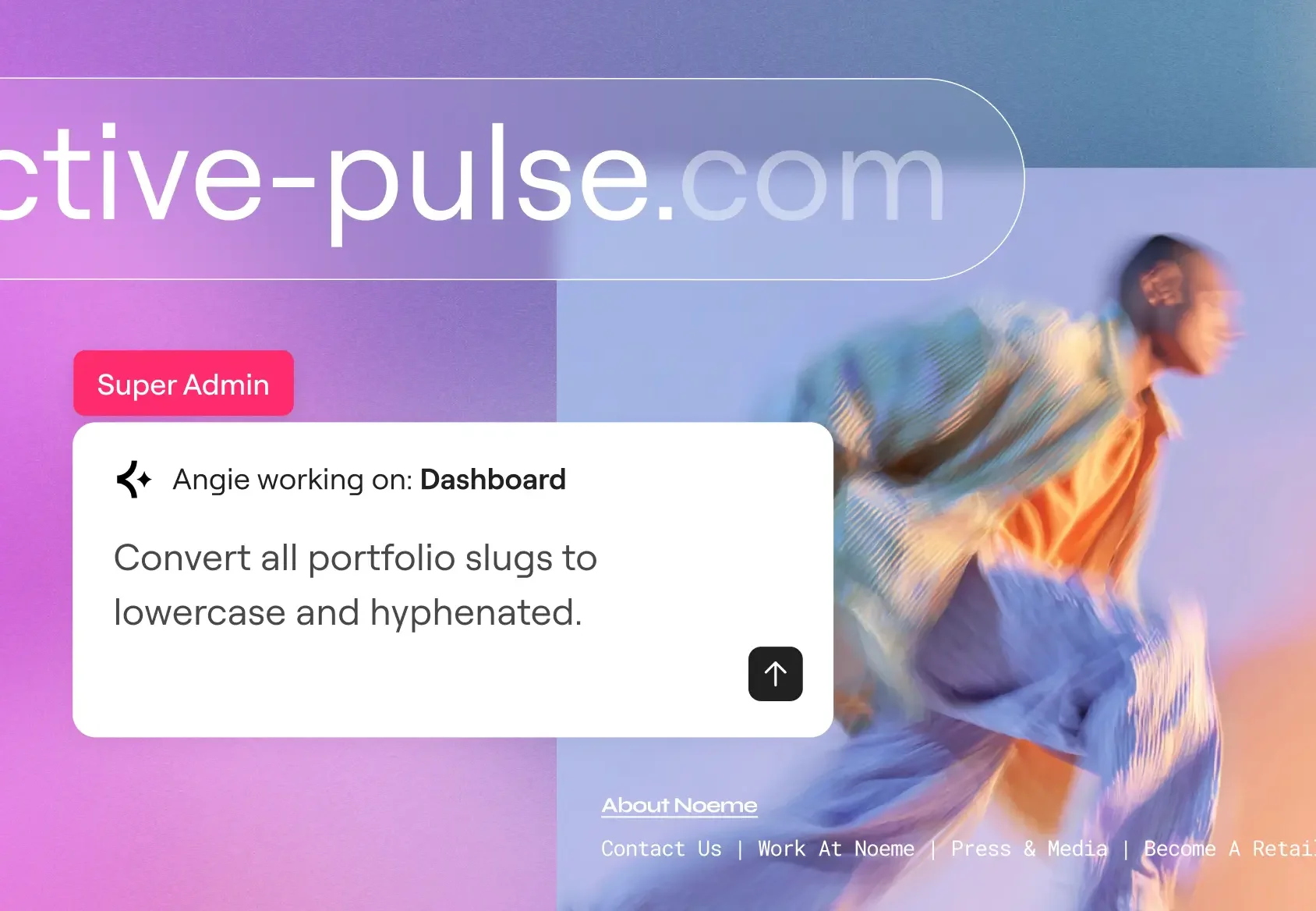
SEO y mantenimiento a gran escala
Rellena las metadescripciones que faltan, crea reglas de redireccionamiento tras una reestructuración de categorías y unifica los slugs de las URL en todo el sitio web en una sola sesión. Una limpieza que se adapta al tamaño de tu catálogo, no a tu plantilla.
Empieza en cuestión de minutos
Descarga gratis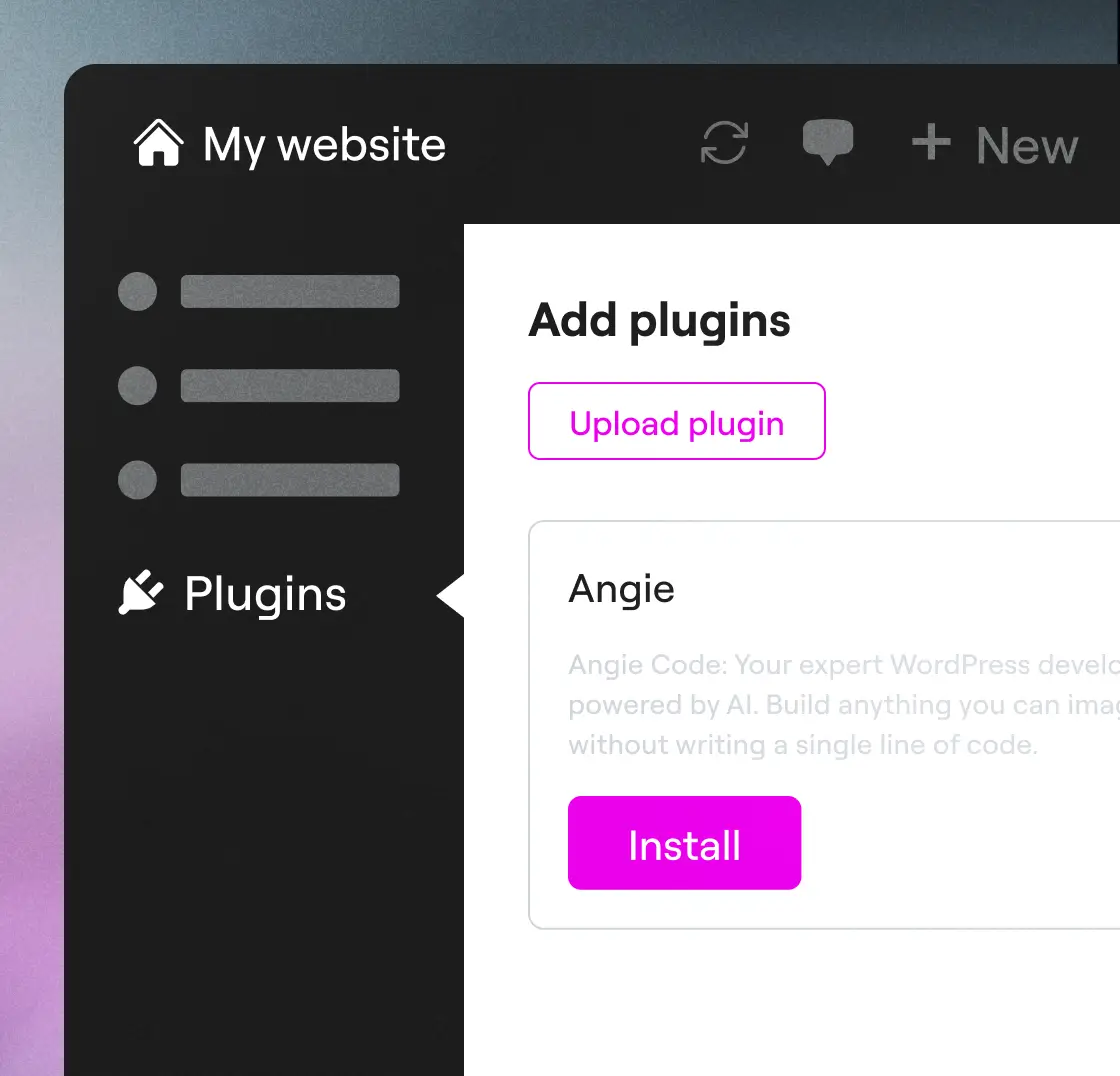
Paso 1
Descarga Angie
Instala Angie a través de tu panel de control de WordPress: ve a Plugins → Añadir nuevo → busca «Angie», haz clic en Instalar y, a continuación, en Activar para conectarte a tu sitio web.
Paso 2
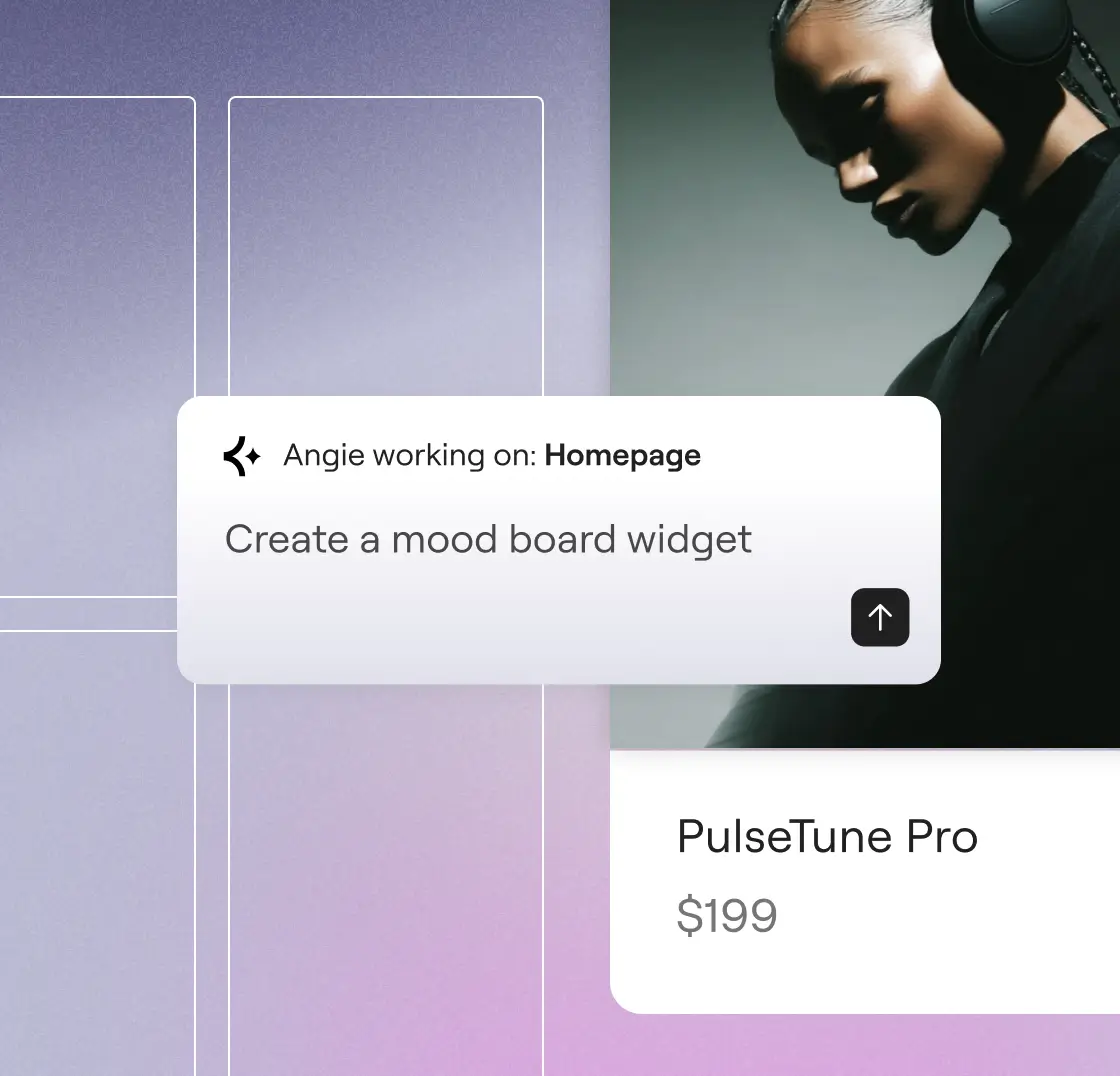
Prompt y a funcionar
Describe what you want to create. Angie understands your intent, and builds it for you in minutes.
Paso 3
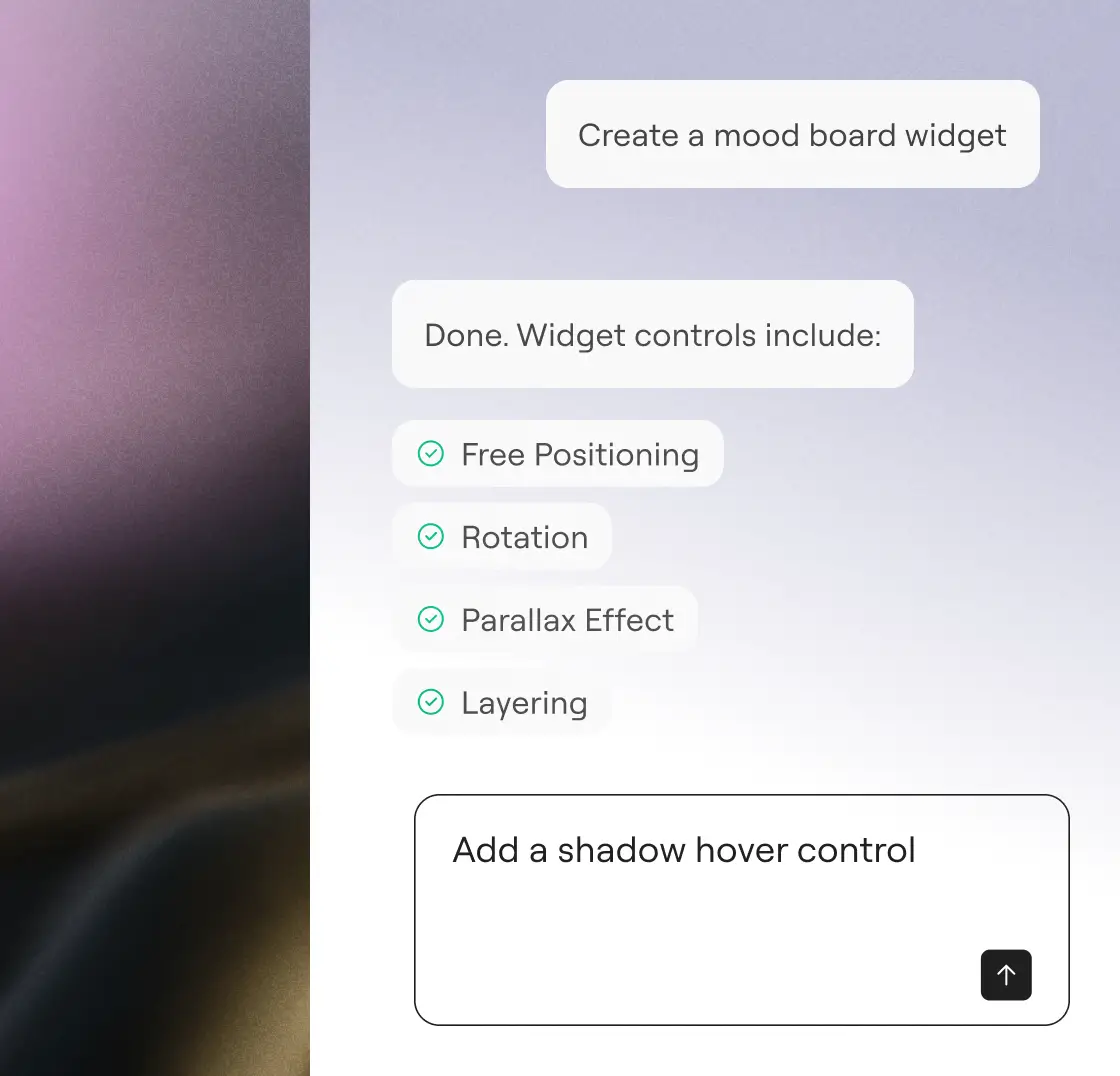
Revisar y aprobar
Revisa el trabajo, optimízalo con sencillas indicaciones y apruébalo. Con Angie, siempre tienes el control.
«Habría tenido que pagar unos 20 000 dólares a alguien para que lo diseñara y lo desarrollara... Pero funcionó a la primera. Me quedé alucinado».
Imran Siddiq Web SquadronInicia tu prueba gratuita
Describe what you want. Angie writes the code, applies it, and manages your site, without leaving WordPress.
Más formas de crecer con IA
Descubre cómo el Protocolo de Contexto de Modelo le permite a Angie operar con contexto, impulsando integraciones, flujos de trabajo y capacidades transformadoras de WordPress.
Biblioteca de prompts de IA
Empieza con indicaciones listas para usar que agilizan los flujos de trabajo de WordPress y descubre todo lo que puedes hacer con Angie.
Más informaciónMCP explicado
Entiende qué es el Protocolo de Contexto del Modelo y cómo sienta las bases para acciones de IA inteligentes y nativas dentro de WordPress.
Más informaciónSitios listos para IA
Aprende a preparar tu sitio para flujos de trabajo impulsados por IA con pasos prácticos que potencien al máximo a Angie.
Más información