Turn web accessibility into business growth
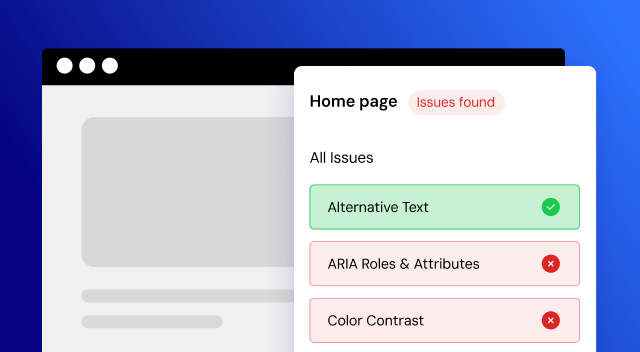
Check any website for accessibility issues in seconds
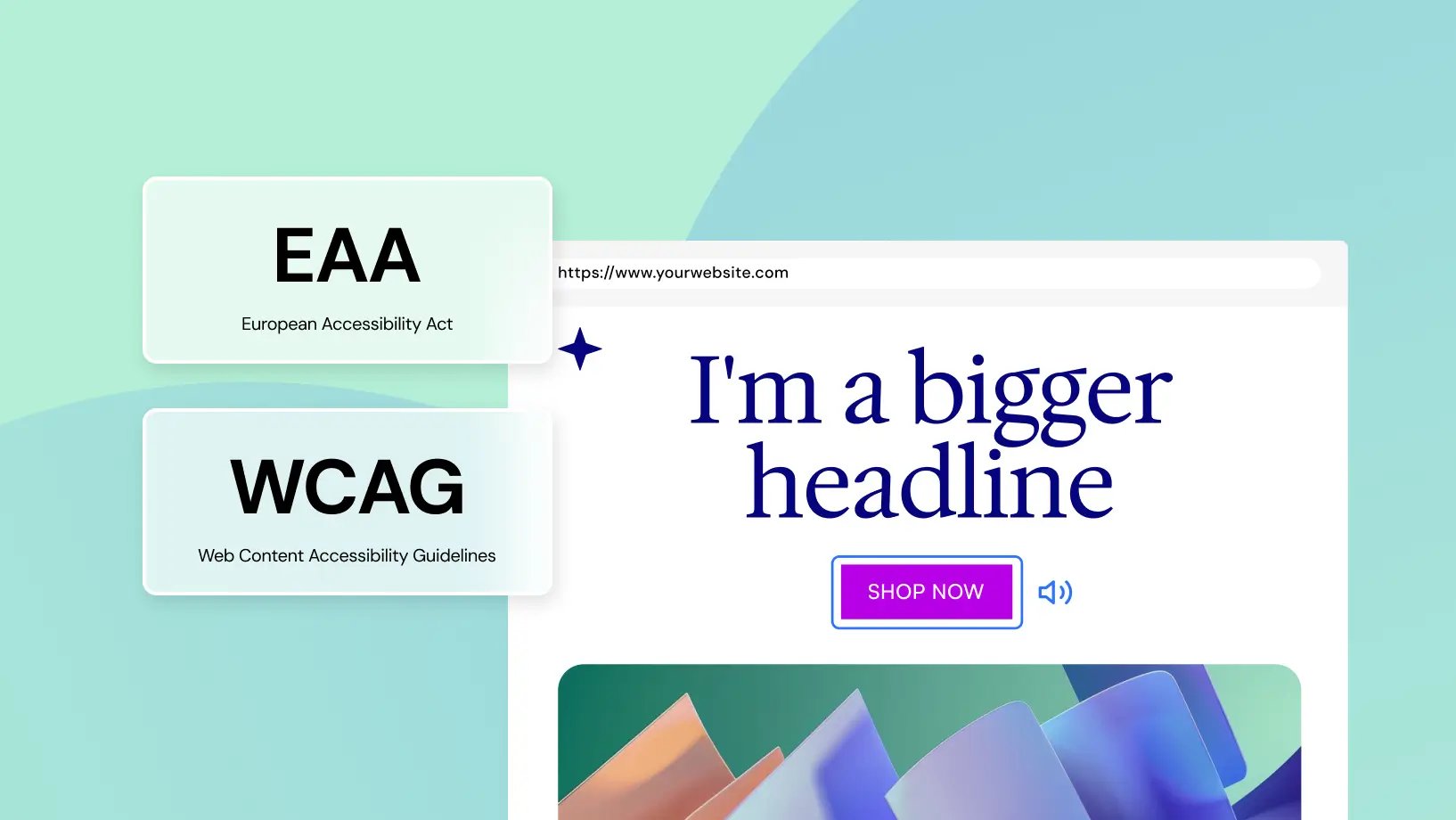
AI-driven accessibility tools built into your workflow
Utilize the Ally Assistant beta
Activate the Usability Widget
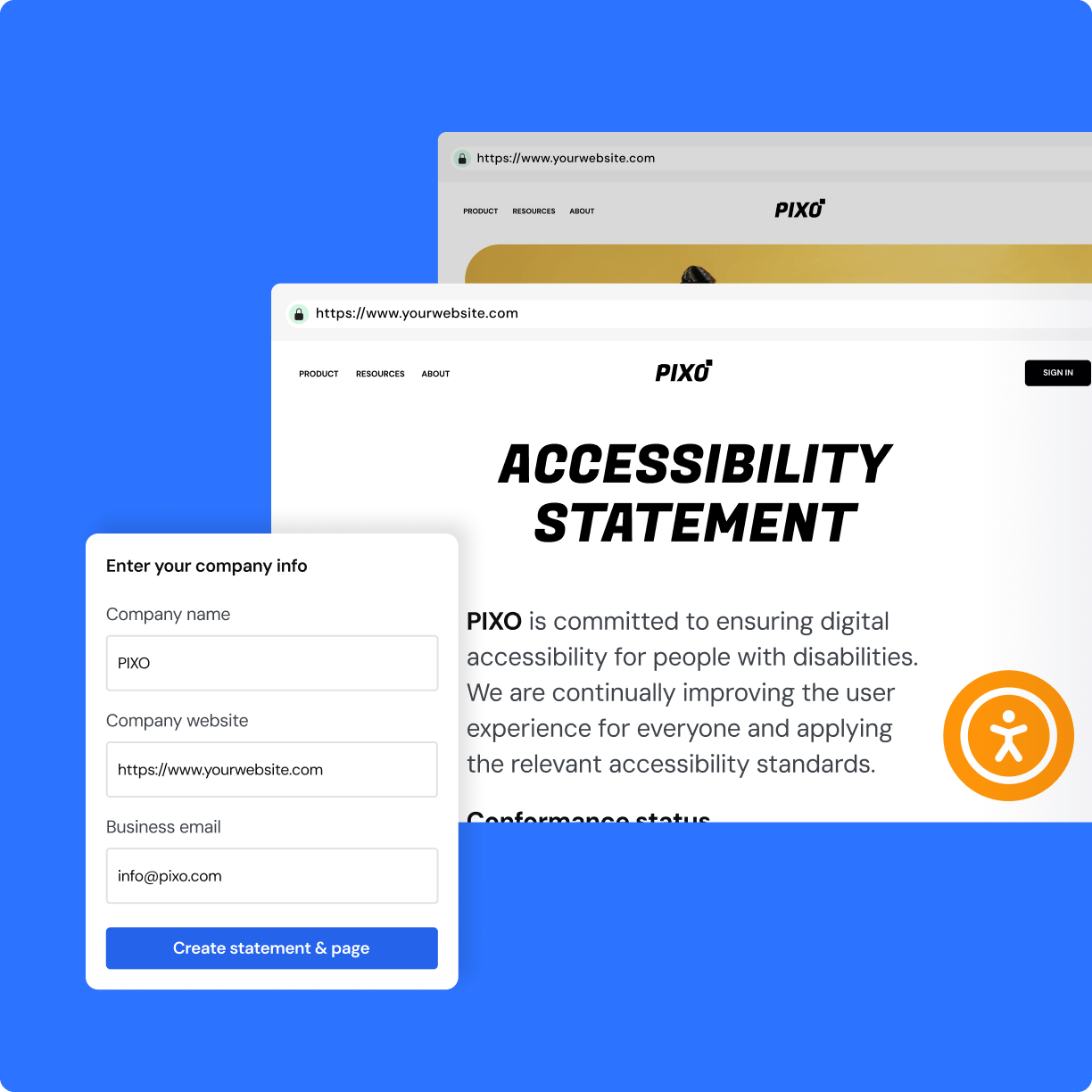
Publish your Accessibility Statement
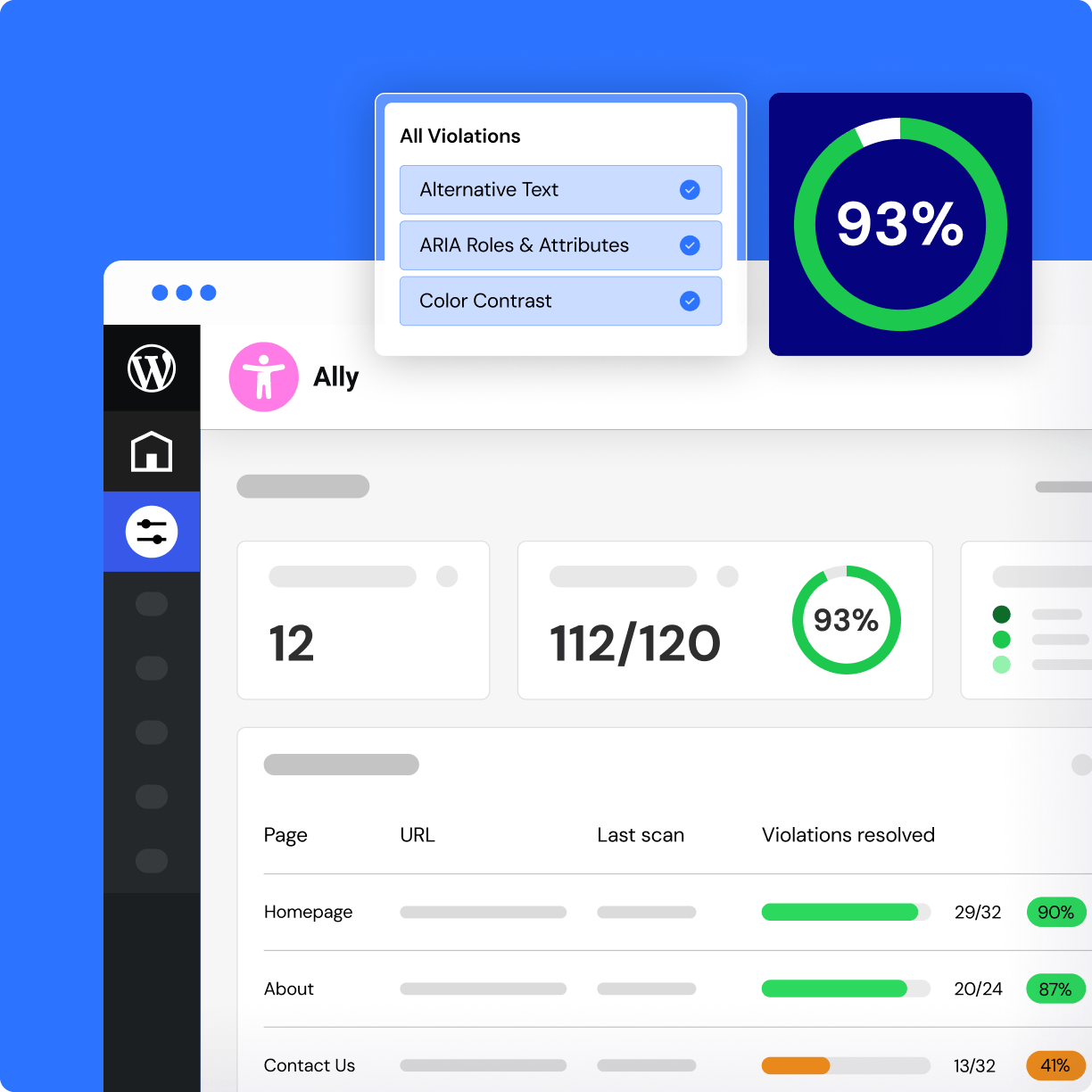
Monitor accessibility progress beta
Boost site accessibility, at any scale
Ally Free
- 1 Site
- Ally Assistant
- Accessibility Scanner:
5 URL Scans Track accessibility issues across your site. Each scan credit covers one unique URL, with unlimited rescans of the same page. - AI Fixes: AI Credits (not included)Fix issues automatically using smart AI suggestions for text and code. Each applied fix uses one credit. AI fix credits are available on paid plans.
- Scan Overview Dashboard (included)
- Site-wide fixes (not included)Apply a fix once and reuse it across all scanned pages wherever this element appears.
- Ally Usability Widget
- 15+ usability features(included)
- Customize Styling (included)
- Accessibility Statement (included)
- White Label (not included)Allows you to remove the Elementor branding from the usability widget for a more customized experience.
- Screen Reader (not included)A tool that reads website content aloud for visually impaired users, improving site navigation and accessibility.
- Language Selector (not included)Let visitors choose their preferred language for better accessibility and user experience.
- Widget Usage Analytics (not included)Tracks how visitors interact with the usability widget, offering insights into feature usage and user behavior.
Ally Pro
- 1 Site
- Ally Assistant
- Accessibility Scanner:
25 URL Scans Each scan credit lets you track accessibility issues on one unique URL. You can rescan the same URL as many times as you like - it only uses one credit. To scan additional pages beyond your limit, upgrade your plan. - Up to 2,500 AI fixes annually Fix issues automatically using smart AI suggestions for text and code. Each applied fix uses one credit. AI fix credits are available on paid plans. When you run out, upgrade to keep going.
- Scan Overview Dashboard (included)
- Site-wide fixes (included)Apply a fix once and reuse it across all scanned pages wherever this element appears.
- Ally Usability Widget
- 15+ usability features(included)
- Customize Styling (included)
- Accessibility Statement (included)
- White Label (included)Allows you to remove the Elementor branding from the usability widget for a more customized experience.
- Screen Reader (included)A tool that reads website content aloud for visually impaired users, improving site navigation and accessibility.
- Language Selector (included)Let visitors choose their preferred language for better accessibility and user experience.
- Widget Usage Analytics (included)Tracks how visitors interact with the usability widget, offering insights into feature usage and user behavior.
One
/Mo
/Mo
- All features in , plus:
- 25,000 monthly One credits Credits can be used flexibly across AI features, image optimization, accessibility scans & fixes, emails and additional features as they're added.
- 1 site
- Create
- 86 Editor Pro widgets(included)
- Theme Builder(included)
- Dynamic Content (included)Connect your design to your WordPress content. Use custom fields and post types to display dynamic data nywhere on your site.
- Form Builder (included)Collect leads with professional forms you can integrate with your favorite marketing tools. Then manage and analyze from one central dashboard in WordPress.
- Popup Builder(included)
- Custom code & CSS(included)
- eCommerce features(included)
- AI generated code, copy, images, & layouts (included)Boost your workflow with powerful AI tools including custom code generation, layout building, image creation, and content writing.
- Optimize
- Image optimization (Valued at /yr)(included) Optimize site performance with bulk image processing for WebP & AVIF conversion.
- Accessibility fixes (Valued at /yr)(included) Enhance your site’s accessibility with scans, AI-powered fixes, and site-wide improvements, plus a customizable usability widget featuring 15+ tools, screen-reader support, language options, white-labeling, and usage analytics.
- Manage
- Priority Support (included)Access high-priority support from dedicated Elementor experts.
- 20 Cloud Templates (included)Store sections, containers, and other design elements in the cloud, making them accessible across all your connected sites for a more flexible and scalable workflow.
- Collaborative Notes(included)
- Site Mailer (Valued at /yr)(included) Send reliable, transactional emails with built-in tracking, troubleshooting tools, and advanced authentication, no SMTP plugin required. Enjoy custom domains, detailed logs, resend/testing options, and smart suppression management for smoother, more professional email performance.
- Manage (Coming soon)(included)
Ally Pro is Non-refundable, try it free on any WordPress Website. Scan, identify, and fix accessibility issues with ease.
All subscriptions renew based on your billing cycle at list price.
Prices are rounded for display. Your final price at checkout may be slightly lower.
The final price will be displayed on the checkout page. All subscriptions renew based on your billing cycle at list price.
Prices are rounded for display. Your final price at checkout may be slightly lower.
All subscriptions renew based on your billing cycle at list price.
Key features & benefits
Customization options for Web Creators
- Show icon / Hide icon
- Color selection
- Icon color
- Icon positioning
- Icon selection
- Add accessibility statement URL
- Icon size
- Sitemap URL
- Skip to main content
- Generate the accessibility statement
Customization options for website visitors
- Hide the icon
- Restore defaults
- Grayscale
- Contrast scale
- Links underline
- Readable font
- Sitemap
- Hide images
- Increase/Decrease text size
- Pause animations
- Reading guide
- Line height
- Text align
- Focus outline
- Skip to main content
Premium features
- White labeling
- Screen reader compatibility
- Widget usage analytics
- Language Selector
Widget List
Here's an example of how to use your credits in one year
- One
- One Agency
- Editor
- Unlimited use for a single site
- Unlimited use
- Image optimizations
- 2,400
- 69,000
- AI text prompts
- 1,200
- 12,000
- AI code prompts
- 1,080
- 4,980
- AI image prompts
- 120
- 2,040
- AI container prompts
- 120
- 2,400
- URLs to scan for accessbility
- 25
- 5,000
- Accessibility fixes
- 960
- 3,600
- Site Mailer emails
- 4,800
- 48,240
Item #1
Insights, education, and tools that keep you ready
FAQ
The accessibility plugin is a free, easy-to-use plugin designed to enhance website usability for individuals with disabilities. It is designed to help web creators make their websites more inclusive, and works seamlessly on all WordPress and Elementor websites.
This widget is just the first phase of our roadmap to help web creators build accessible sites. We’re developing a more comprehensive solution to make websites more accessible and meet standards.
Yes, Ally is GDPR compliant. To meet your privacy obligations, you must list Elementor as a sub-processor in your privacy notice. Our Data Processing Agreement (DPA) outlines all privacy-related requirements.
Creating an account helps you manage your accessibility settings and ensures a smooth experience as we continue improving Ally. It also allows us to support future advanced features and provide better assistance tailored to your needs.
Great question—no tool, including Ally, can guarantee full accessibility compliance. That’s because current technology simply can’t detect every possible accessibility issue automatically. Some problems require human judgment, manual testing, or involve content-specific decisions that automated tools might miss.
Ally is here to help you take meaningful steps—like identifying and addressing many common issues—but true compliance is a process, not a one-click fix. Our goal is to support you in improving accessibility, not to make unrealistic promises.
The Accessibility Assistant is a tool that scans individual URLs for accessibility violations, organizes them into categories, and guides you to fix them manually or with AI suggestions.
Yes. You can rescan a URL as many times as needed. The scan results update each time based on the current version of the content.
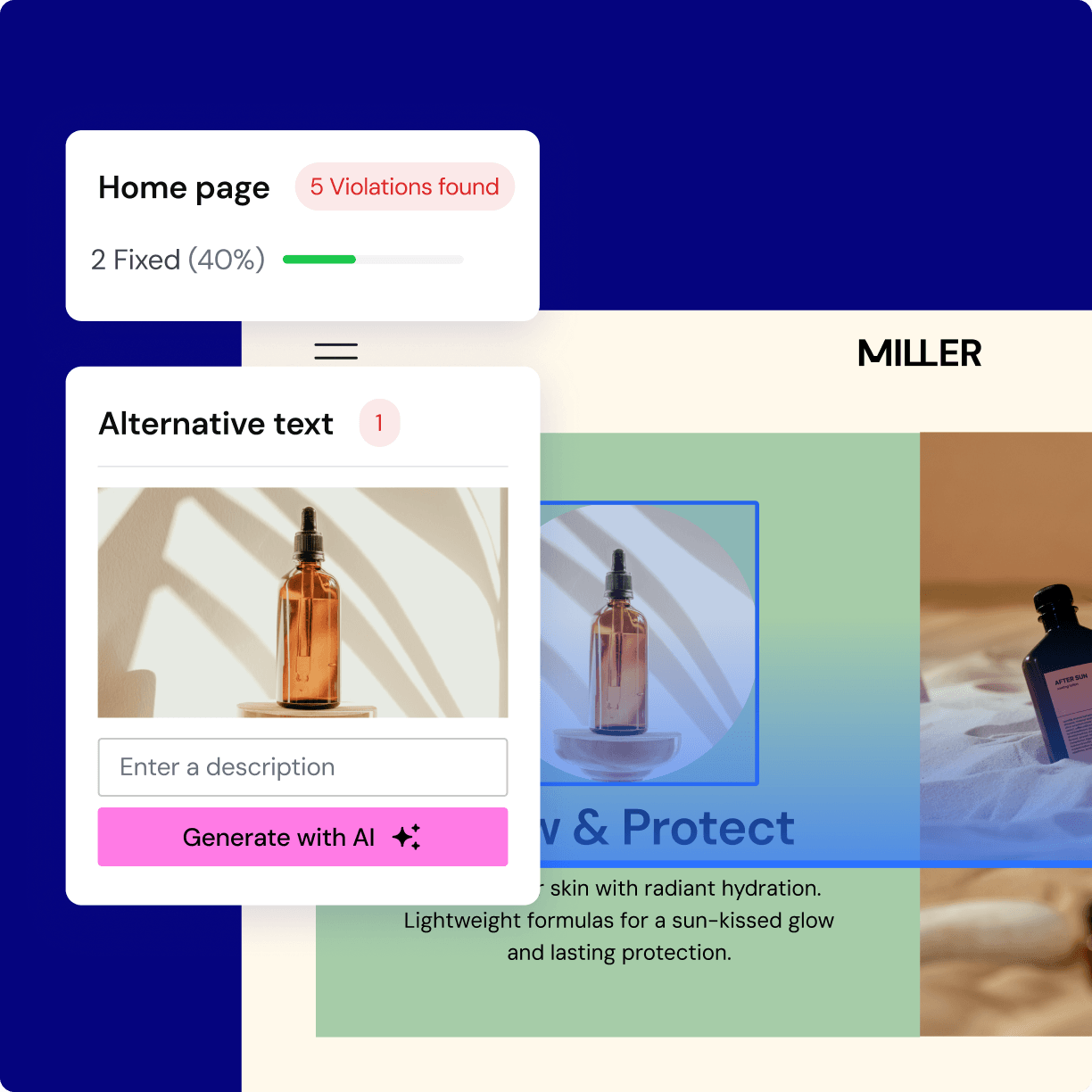
These are smart suggestions generated by Ally to help you resolve issues more efficiently-for example, automatically suggesting alternative text for images. AI fixes are available only on paid plans and use credits.
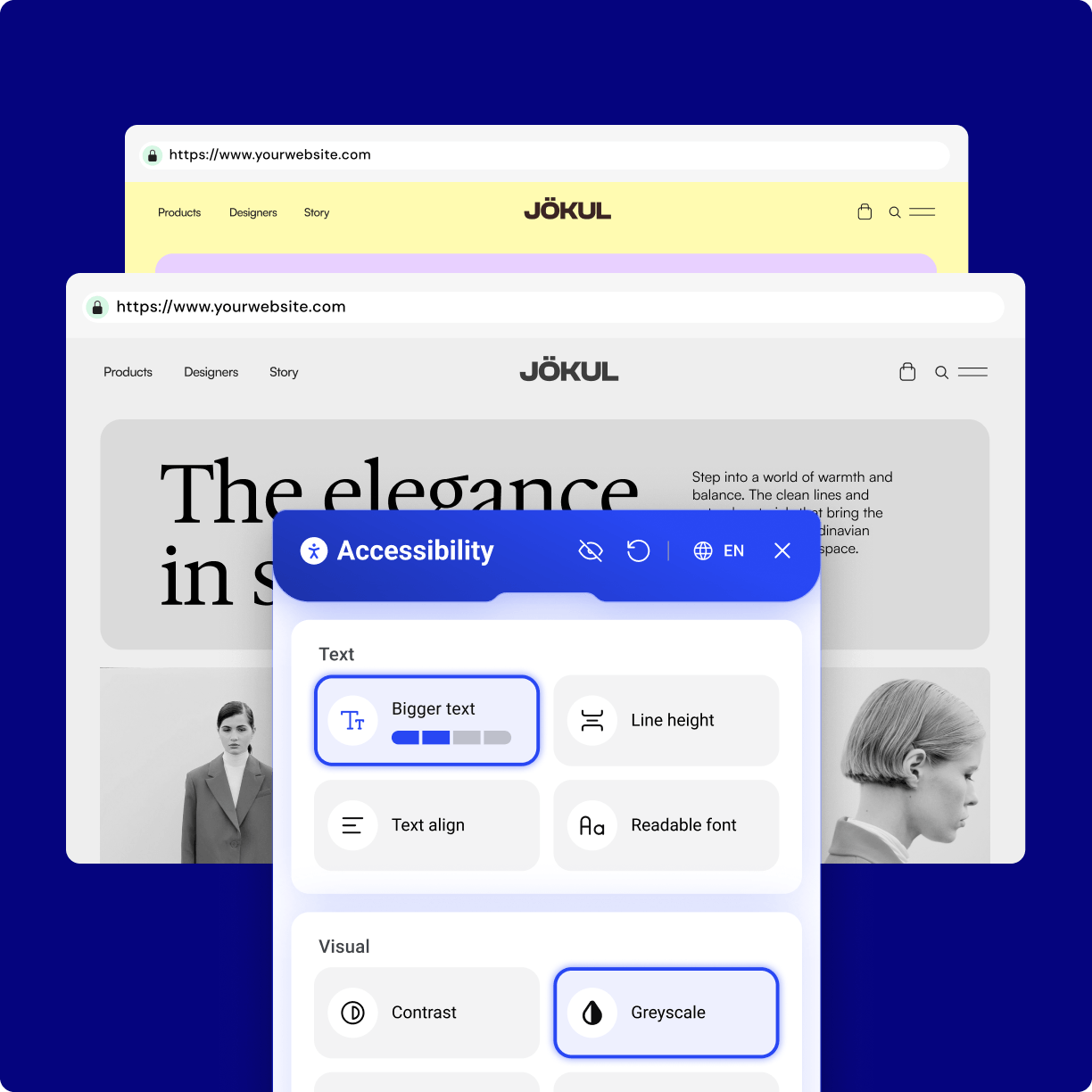
Yes, you can fully customize the widget. Adjust the icon’s style, color, and size, and personalize the header and footer to match your site’s branding. You can also choose its placement—position it in any corner, at a custom location, or hide it on mobile or desktop—and decide which accessibility features are visible to your users.
Yes, the widget automatically adapts to your website’s language, ensuring a smooth and consistent experience for every visitor.
Once installed and connected, the widget appears on your site with default settings. You can customize its appearance and functionality via the WordPress admin panel. Additionally, you can link your existing accessibility statement or create a custom one using our built-in generator, which automatically creates a dedicated page for your statement.
An accessibility statement is a declaration of your commitment to providing an inclusive online experience. With the widget, you can effortlessly generate a custom accessibility statement that is automatically published on a dedicated page.
Have more questions? Try the Elementor Help Center or Contact Us.